Written in 2022, 4 years ago. Tools and advice may have moved on since.
When you make a Gatsby Plugin make sure to include a schema for your options. By doing so, Gatsby will verify that the plugin is configured correctly and stop everything if it is not!
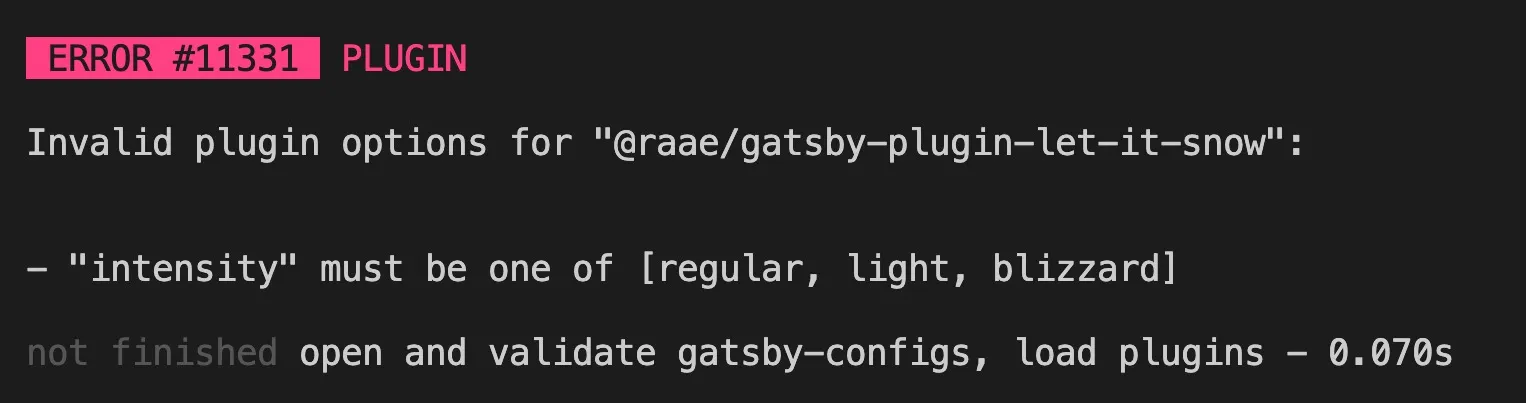
Users of your plugin will thank you for this immediate feedback. It saves them from reading through obscure undefined error messages or making sense of unexpected behavior when the reason is bad configuration.
Schema validation happens in the gatby-node.js file, using Joi to describe the schema.
// gatsby-node.js

exports.pluginOptionsSchema = ({ Joi }) => {
  return Joi.object({
    colors: Joi.array()
      .items(Joi.string())
      .min(1)
      .default(["#fff"])
      .description("Array of hex color values"),
    intensity: Joi.string()
      .valid("regular", "light", "blizzard")
      .default("regular"),
    duration: Joi.number()
      .integer()
      .min(1)
      .default(15)
      .description("Duration of snowfall in seconds"),
    season: Joi.object()
      .keys({
        start: Joi.date().required(),
        end: Joi.date().required(),
      })
      .default({
        start: new Date("December 1"),
        end: new Date("January 4"),
      })
      .description("Start and end date for when snow should be activated"),
  });
};
Example lifted from @raae/gatsby-plugin-let-it-snow.
All the best,
Queen Raae
PS: Would you be interested in a course/bootcamp on Gatsby Plugins?